How to Verify a Succession Certificate?
What is a Succession Certificate?
A Succession Certificate is a legal document granted by a civil court that authorises the holder to receive debts, securities, and other assets of a deceased person. It’s commonly required by banks, financial institutions, and government departments before transferring assets to legal heirs.
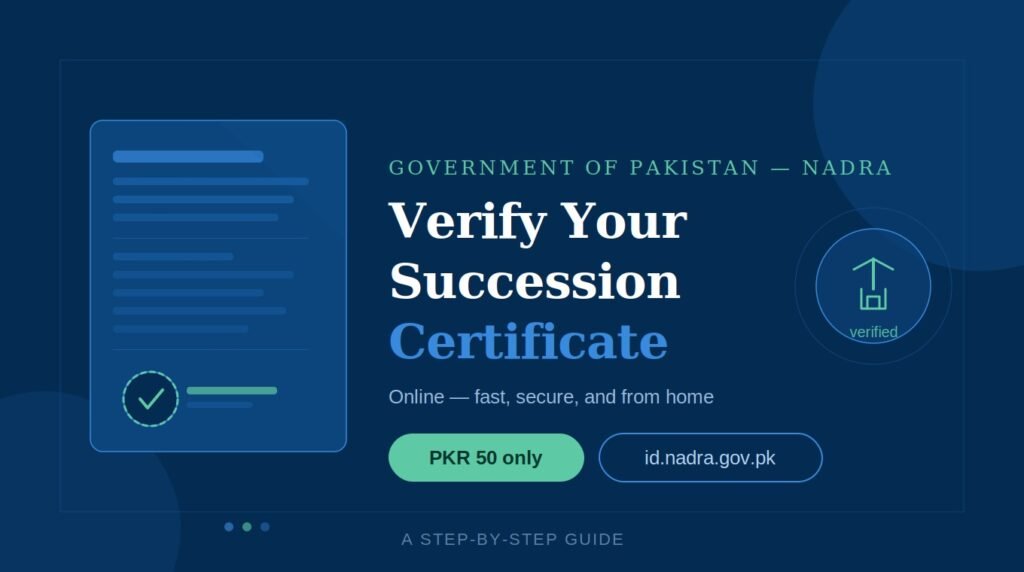
NADRA’s online portal allows individuals and institutions to verify whether a Succession Certificate or Letter of Administration was genuinely issued — protecting against fraud and forgery.
Before you begin
You will need: your Succession Certificate Number, the date of issue (found on the lower-left of the certificate), the CNIC number of the legal heir listed in the certificate, and a credit or debit card for the PKR 50 application fee.
Step-by-step process
Visit id.nadra.gov.pk and click the “Apply Now / Login” button in the navigation menu.
Create a new PAK-IDENTITY account if you don’t have one, or log in with your existing credentials.
Once logged in, click “New Application” from the dashboard menu on the left.
From the list of services, choose “Verification of Succession Certificate” and click “Start Application.”
Input the Succession Certificate Number and its date of issue. These are printed at the lower-left of your physical certificate.
The system will prompt you to enter the citizen (CNIC) number of the legal heir mentioned in the certificate for identity verification. Click “Verify.”
Carefully read NADRA’s payment terms. Note that the fee is non-refundable once payment is processed. Check the box and click “Accept and Continue.”
Enter your name, email, address, city, and phone number as requested by the billing section.
Enter your credit or debit card details. The fee is PKR 50. All payments are secured with SSL encryption. Click “Confirm and Pay.”
After successful payment, the certificate details issued by NADRA will appear on screen. You can cross-check them with your physical certificate.
Important things to know
The portal will not issue a physical verification slip or letter. It only confirms whether the certificate was issued by NADRA or not. This is a digital authenticity check, not a reissuance of the document.
NADRA operates a strict no-refund policy on all PAK-IDENTITY applications once payment is submitted. Make sure all certificate details are accurate before proceeding to the payment stage.
If you need further assistance, NADRA offers audio and video support via Skype at pakidentity@outlook.com every Thursday from 1500–1600 hrs PST. Call duration is capped at 3 minutes per session.
Why this matters
Fraudulent succession documents have historically been used to unlawfully transfer inherited assets. This online verification tool gives banks, property registrars, and individuals a fast, low-cost way to confirm legitimacy — all without leaving the house. At PKR 50, it is one of the most accessible government verification services available in Pakistan today.
Sfu Offices Near Me
Visit this page NADRA OFFICES to know the sfu offices near you with contact no and address.